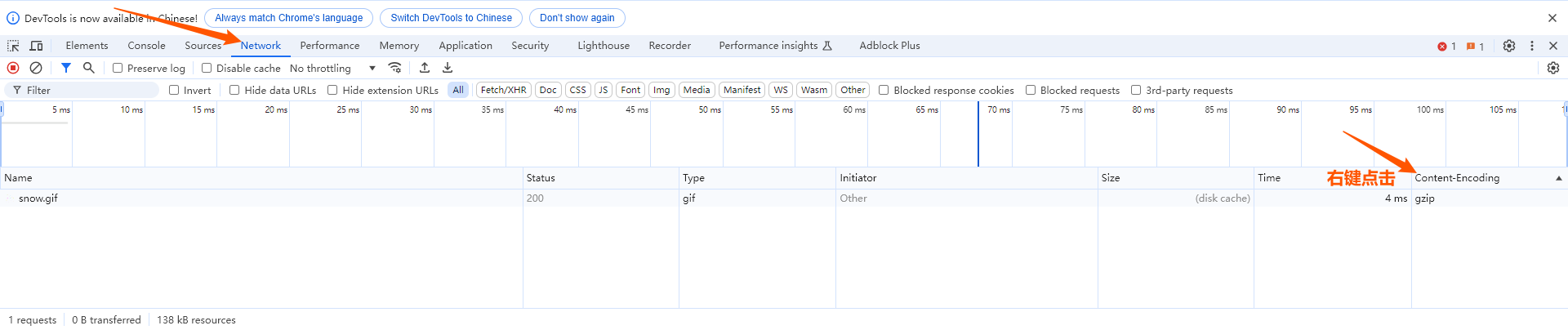
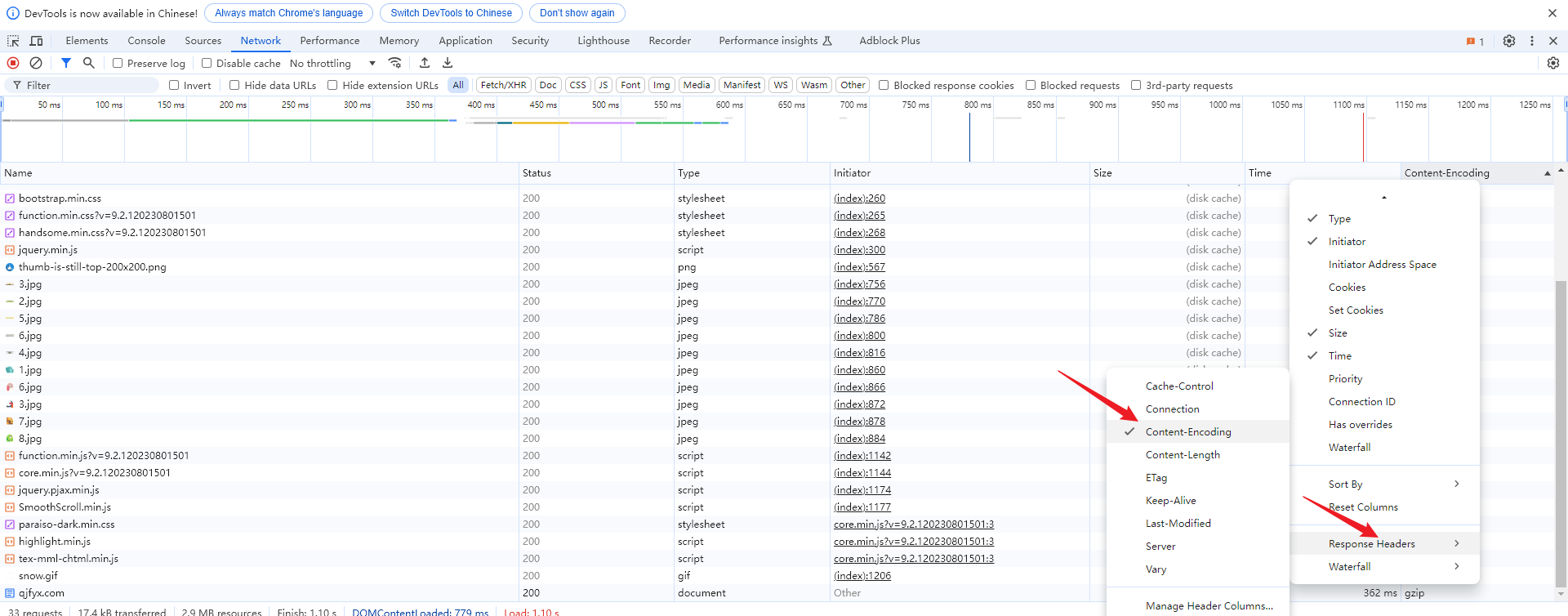
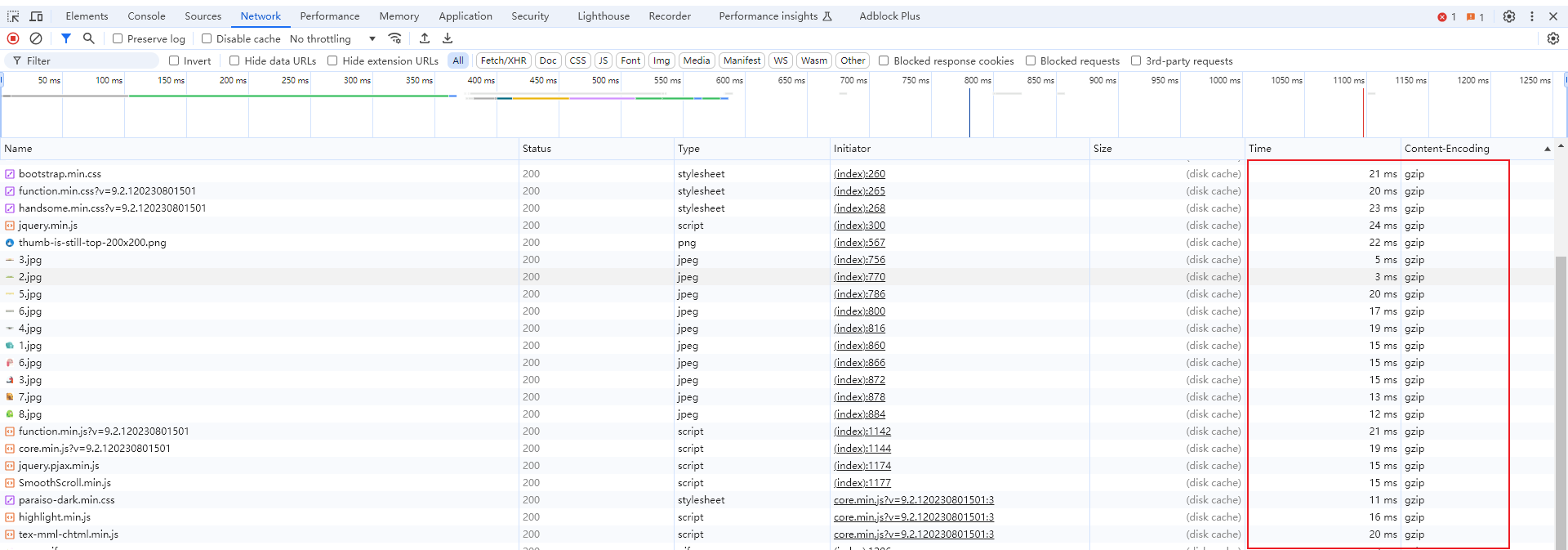
技术笔记建站 如何查看页面是否开启了gzip压缩 By qjfy - 2024年9月6日 0 ### 一、Chrome 浏览器 谷歌浏览器 F12或者设置——更多工具——开发者工具 Network面板右键点击表头,如果Content-Encoding中有gzip值则代表已经开启支持gzip。 二、站长工具 > 网页GZIP压缩检测 https://tool.chinaz.com/Gzips